
SBB App Guide: Tickets, Passes & Tips for Tourists
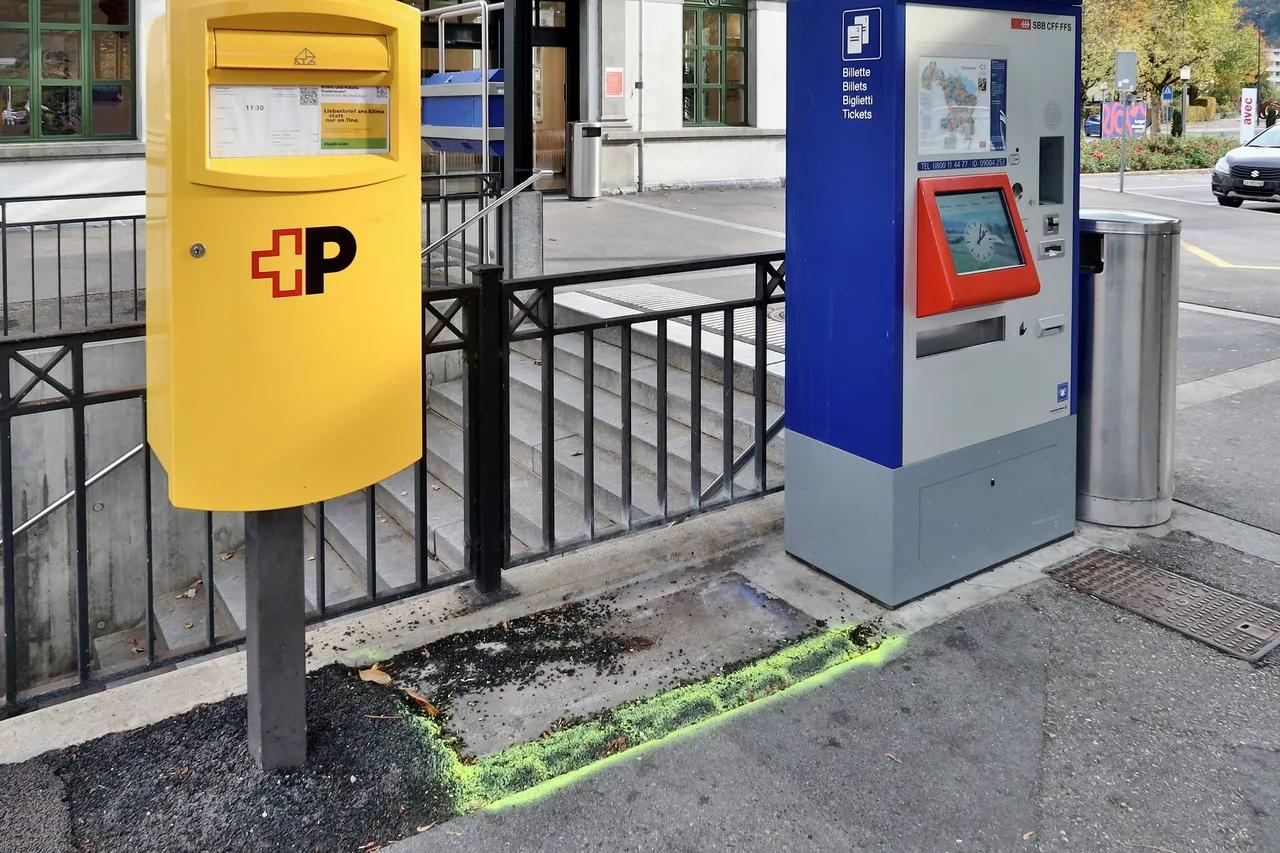
Last updated November 2026: the SBB app, officially called SBB Mobile, is the Swiss rail operator's free app for timetables, tickets, live trip alerts and digital travelcards. It is optional, yet it is the most useful single tool for Swiss trains. Visitors who buy point-to-point tickets or hold a Half Fare Card gain the most, while some pass holders on simple itineraries can skip it.
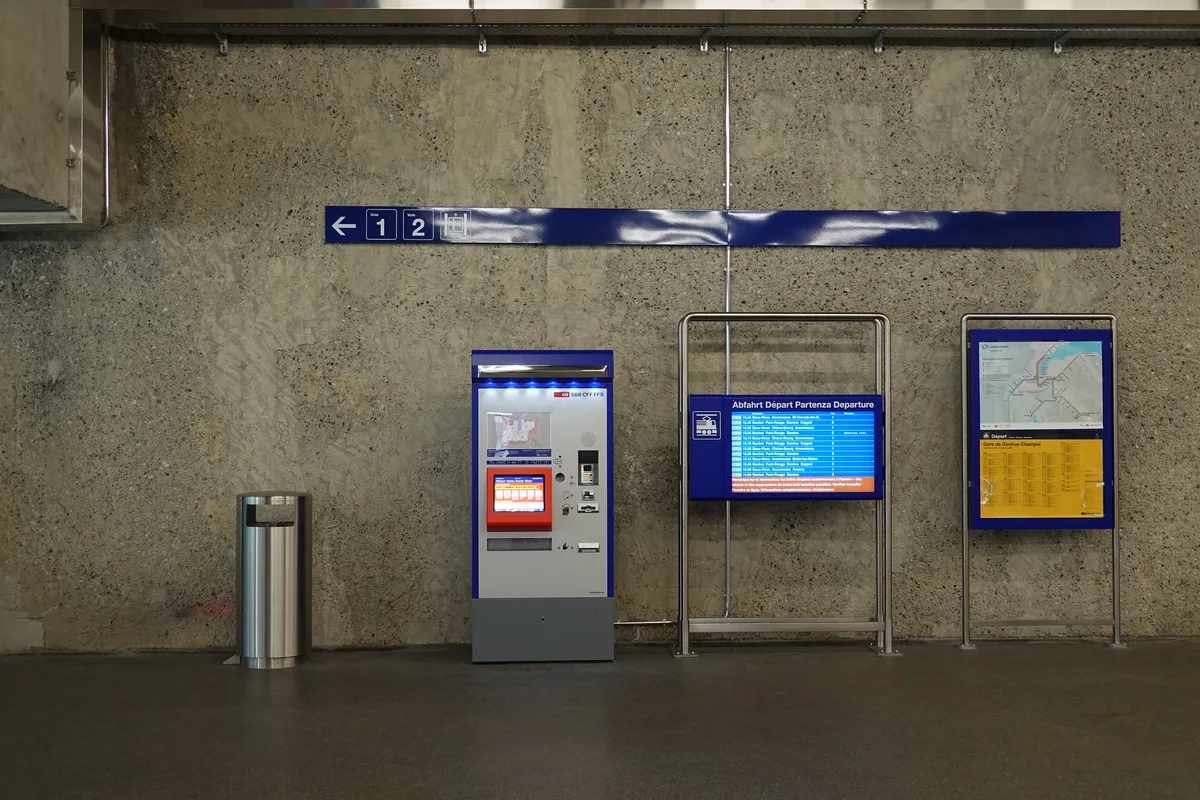
Featured image: Welcome to Switzerland backstage!, CC BY 2.0, via Flickr.
Quick answer: what the SBB app is and who needs it
SBB Mobile is the official app of SBB AG, the Swiss rail operator. Its menu has 6 areas: Plan, Trips, EasyRide, Tickets & Travelcards, Shop & Services and Profile. That makes it the first app to open for any journey on the Swiss train network. Reach for it when you want live platform and delay alerts, or a ticket in 2 clicks. Visitors on one fixed, pass-covered itinerary can often manage without it.
- Use it if you buy point-to-point tickets, supersaver fares or Saver Day Passes.
- Use it if you hold a Half Fare Card and want half-fare prices shown by default.
- Skip it if you hold a Swiss Travel Pass and follow a simple, fixed itinerary.
- Skip it if you only need an occasional timetable lookup, because the sbb.ch timetable covers that.
What SBB Mobile does
Think of the app as five tools in one. Menu names below come from the store listing and can shift between releases, so check the current version if a label looks different. Saved trips give first-time visitors the most useful detail, because platform, interchange time and train formation sit on one screen.
- Plan: search the timetable by tapping a station, or use your current position as the origin or destination. Buy a ticket for the whole of Switzerland in 2 clicks, with SwissPass travelcards applied.
- Trips: save a journey to see departure and arrival times, platforms, service disruptions, train formations and walking routes. Push notifications report delays, disruption and interchange times.
- EasyRide: check in and travel across the GA Travelcard network. The app calculates the right fare from the routes you rode and charges it afterwards.
- Tickets & Travelcards: show travelcards digitally with SwissPass Mobile, and see valid and expired tickets in one list.
- Shop & Services: buy regional tickets and Day Passes for the GA Travelcard area without searching the timetable first.
Setting up the SBB app as a visitor
Do the setup at home on wifi, not on a platform with 3 minutes before departure. The download is about 407.5 MB, and iPhones need iOS 15.0 or later. Android users should read the requirements on the Google Play listing. Timetable search and ticket purchase both need internet access, so a roaming plan or local SIM matters on travel days.
- Language: the app offers English, French, German and Italian.
- Account: purchases link to your user ID and contact details, so register before travel day.
- Payment: foreign card support is not stated in the store listing, so test a small purchase early.
- Location: allow it so the app can find the nearest stop. The listing warns that location use can drain battery.
- Calendar and camera: both are optional. Calendar access lets you save connections, and the camera is for the personalised touch timetable.
- Profile: set the passenger type to half fare if you hold a Half Fare Card.
Using the SBB app with a Swiss Travel Pass or Half Fare Card
The app and your pass are separate things. A Half Fare Card gives a 50% discount, and the app only shows those prices if you set the profile. Advice from a 2019 forum thread says to carry the card as a PDF plus a printout. Check whether SwissPass Mobile now holds your card, because that rule may have changed. Read the pass pages for Swiss Travel Pass details and the Half Fare Card rules before you choose. Holders of first class passes should also read about first class train travel.
| Your situation | Set in the app | Buy in the app | Carry |
|---|---|---|---|
| Swiss Travel Pass | Passenger profile and travelcard as shown in your account | Nothing for covered routes; seat reservations and supplements where required | Your pass, as a digital or printed copy |
| Half Fare Card | Half-fare (1/2) prices as the default | Discounted point-to-point tickets, supersaver fares and Saver Day Passes | Card as a PDF and a printout |
| No pass | Full-fare (1/1) prices | Point-to-point tickets, supersaver fares and Saver Day Passes | Ticket on your phone, with the phone charged |
Buying tickets and seat reservations
Buying takes 2 clicks once your trip is on screen. Supersaver tickets and Saver Day Passes sit alongside standard fares in the Plan tab. Seat reservations are graphical on selected trains, including FV-Dosto, IC2000, ICN and Astoro services. Giruno trains on lines IC2/IC21 and the Montreux–Bernese Oberland Railway (GoldenPass) also have graphical reservation. Scenic trains often need a reservation while ordinary regional trains do not, so check each operator's page. A trip such as Zurich to Interlaken shows what the app offers on a busy tourist corridor. Another example is Zurich to Lucerne by train, which is a short domestic hop.
- Mistake: buying a ticket for a route your pass already covers. Check coverage first.
- Mistake: forgetting to switch from full fare to half fare in the profile.
- Mistake: assuming a pass includes a seat on every reserved train.
- Mistake: leaving the ticket purchase until the platform, when mobile data may be weak.
Cross-border and scenic-line limits
Switzerland-only trips work smoothly. Cross-border buying is more patchy. One Italian-language user reported errors buying Germany tickets, and trouble with Italy beyond Milan. SBB's reply said it is working on easier purchase for neighbouring countries. Treat that as an anecdote and check each route before relying on the app. The listing also names coupon redemption for international travel and graphical seat reservation on EC, Frecciarossa, Frecciargento and Frecciabianca trains to Italy. TGV services to France have graphical reservation as well. For route planning, see Zurich to Milan by train and Geneva to Milan by train. The Geneva to Chamonix route crosses into France. Seat reservation only, without a ticket, is listed for journeys to these 6 countries:
Journeys to these 6 countries can be reserved without a ticket, but one user hit buying errors beyond Milan.
- Germany
- Belgium
- The Netherlands
- Luxembourg
- Czech Republic
- Denmark
Mountain railways and pass coverage
Mountain railways often sit outside pass coverage, so the app may not price them as you expect. Look at the operator's own page before you plan. The Gornergrat Bahn publishes its own fares, and our Gornergrat railway guide covers the ride. For Zermatt, see Zurich to Zermatt by train. The Matterhorn Gotthard Bahn runs trains on that side of the network. The Centovalli Railway Guide: Locarno to Domodossola, Tickets and Passes is another line worth checking separately. Regional operators such as BLS have their own sites and app, too.
SBB Mobile vs SBB Preview vs other apps
SBB Preview is a grey test version of SBB Mobile. SBB uses it to trial features before they reach the main app. Timetable and ticket functions for journeys in Switzerland are the same. Most visitors should install SBB Mobile only. Installing both adds a second login and a second download of about 423.1 MB for little gain.
Compared with the main app's 407.5 MB download, a second download of about 423.1 MB is a heavy extra for a test version.
| App | Best for | Covers passes? | Cross-border? | Caveat |
|---|---|---|---|---|
| SBB Mobile | Timetables, tickets, saved trips, reservations | Applies SwissPass travelcards; shows them via SwissPass Mobile | Some purchases and reservations; check each route | Foreign card support not stated in the listing |
| SBB Preview | Testing new features early | Same basic functions as SBB Mobile | Same as SBB Mobile | For testing, not for most travelers |
| SwissPass Mobile | Showing travelcards digitally | Yes, per the SBB Mobile listing | Not stated | Check whether you need a separate install |
| BLS Mobil | Regional timetable and tickets | Check in the app | Not its focus | Listed as an alternative in the store |
Privacy, data and permissions
The App Store lists privacy labels that SBB AG declared itself. Apple has not verified them. Read SBB's full privacy policy, linked from the store listing, for the legal detail. Those labels say the app may handle these data types, linked to your identity:
- Purchases and purchase history
- Financial and payment info
- Precise location
- Email address and name
- User content for customer support
- User ID
When the SBB app doesn't work
Stored tickets rely on your device's memory, which also supports offline functions such as the station list and connection history. Searching the timetable and buying still need internet access. Keep the phone charged, and keep a power bank for long days. If the app fails, use a station ticket machine or counter. Large hubs like Zurich HB (Hauptbahnhof): Station Guide, Transfers & Connections and Interlaken Ost Station Guide: Transfers, Lockers & Trains have both. Ask SBB whether a screenshot of a ticket is accepted before you rely on one. SBB's app support runs on +41 848 446 688 or mobile@sbb.ch, at Lindenhofstrasse 1, 3000 Bern. A contact page for SBB Mobile is on sbb.ch. For more on getting around, the Switzerland Tourism travel pages are a good starting point.
Is the SBB app worth installing?
Fit depends on your trip. A short stay with passes and few changes needs the app least. A trip that mixes passes, half fares and several operators needs it most. Prices and rules checked November 2026.
- 1–3 day Zurich or Lucerne trip: install it for live platforms and delay alerts, even with a pass.
- Multi-city pass trip: install it for seat reservations and interchange times.
- Mountain railways: install it, but check each operator's own fares first.
- Cross-border trip to Milan or Chamonix: install it, then verify purchase options before relying on it.
- Pass plus a fixed, simple itinerary: you can skip it.
Frequently Asked Questions
What does SBB stand for?
SBB stands for Schweizerische Bundesbahnen, which is German for Swiss Federal Railways. French and Italian speakers use CFF and FFS.
Is the SBB app only for Switzerland?
No, but it works best for domestic trips. The app lists some cross-border features, such as seat reservations to neighbouring countries and coupons for international travel. Purchase coverage varies by route.
How can I contact SBB customer service?
Call +41 848 446 688 or write to mobile@sbb.ch for app support. The Profile menu in the app links to customer support, and sbb.ch has a contact page for SBB Mobile.
Rail notes for your next trip
Optional updates when our rail guides change.
Related guides

More guides
Picked from the same area