
SNCB Tickets & App Guide for Visitors to Belgium
Last updated November 2026: SNCB (NMBS in Dutch) is Belgium's national railway operator. Visitors buy tickets at station machines and counters, on the SNCB website, or in the SNCB/NMBS app. International trips use a separate booking flow, so your first decision is the channel, and this guide supports our complete guide to trains in Belgium.
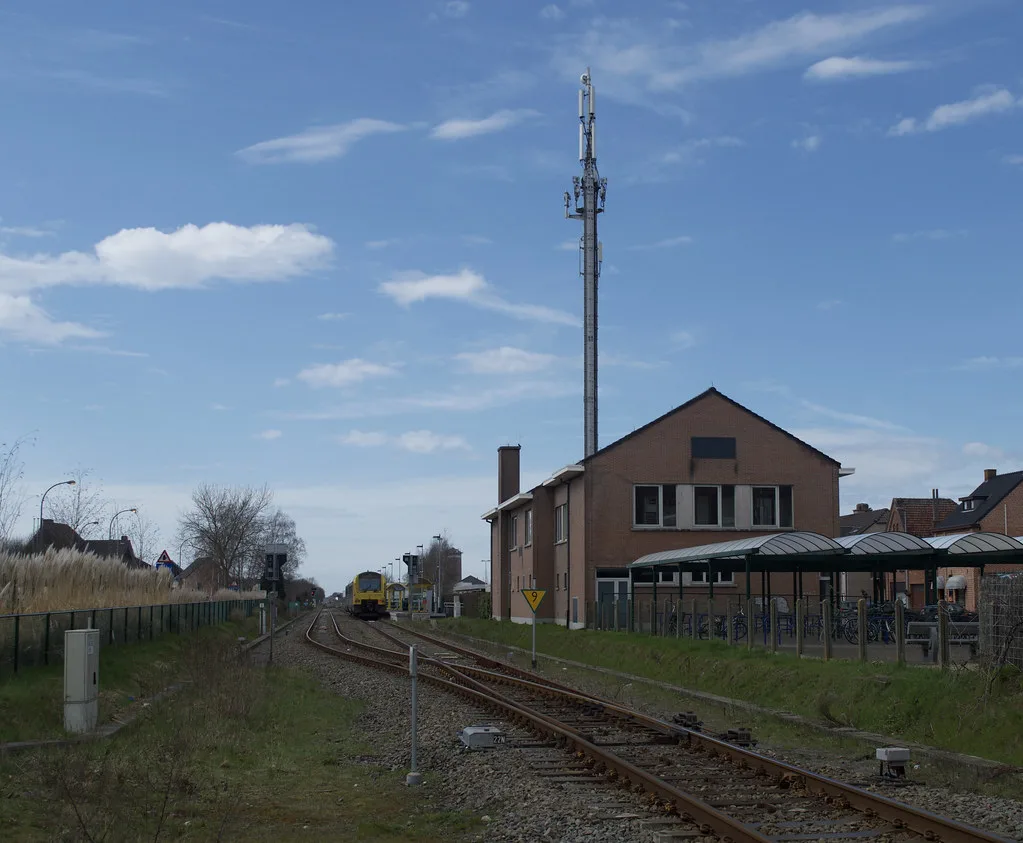
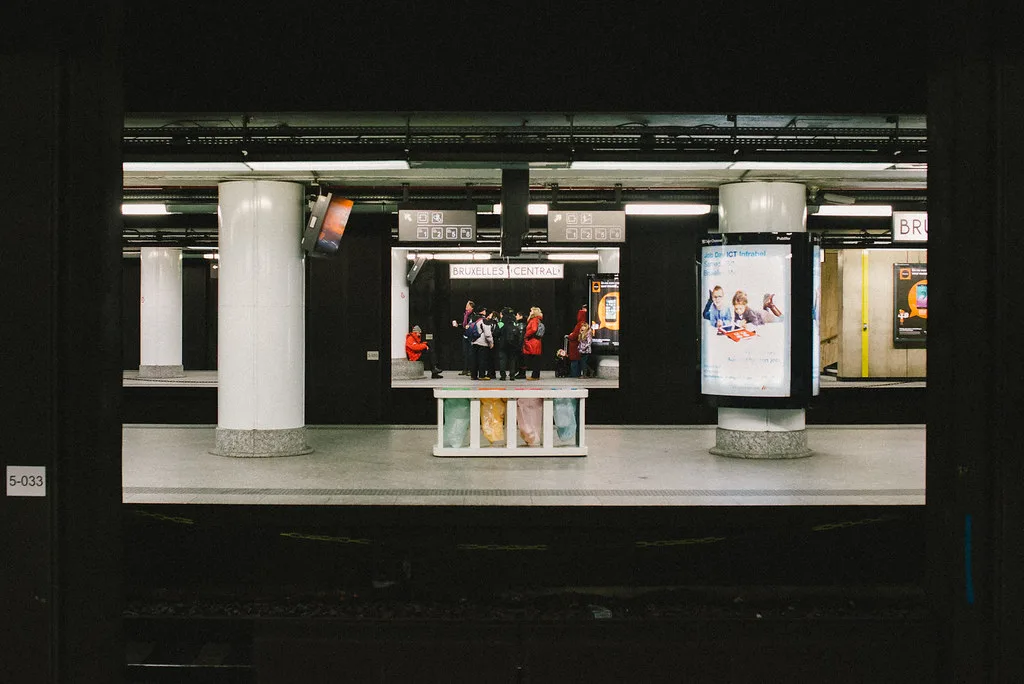
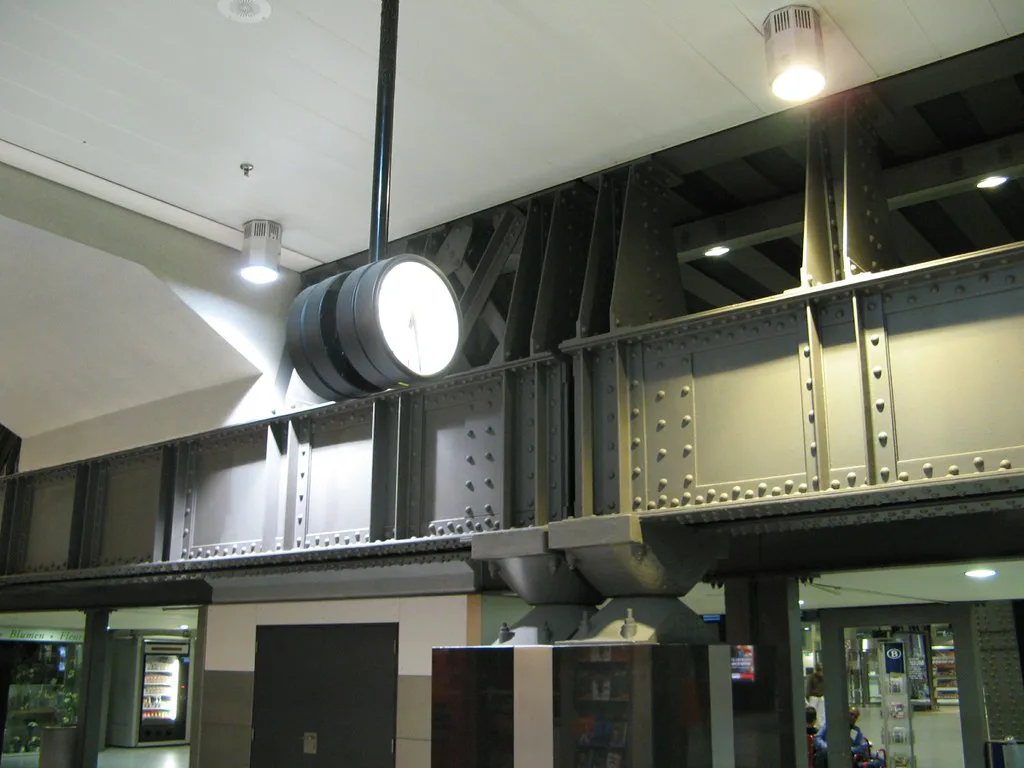
Featured image: philstephenrichards, CC BY-SA 4.0, via Flickr.
SNCB vs NMBS: what it is and what it covers
SNCB and NMBS are the same operator, named in French and in Dutch. Expect to see both names on signs, tickets and apps. SNCB runs the domestic passenger trains that link Brussels with Bruges, Ghent and Antwerp. Track and signalling belong to a separate company, and Infrabel manages the Belgian rail network. For tickets, you deal with SNCB.
Where to buy SNCB tickets: machine, counter, website or app
Four channels cover almost every trip. Each suits a different situation, and each has one weak spot worth knowing before you arrive at the station.
Exchanges handled through the International app's Contact Centre button are listed as open 7 days a week, while counter hours vary by station, so plan around both.
| Channel | Best for | Main friction |
|---|---|---|
| Station machine | Same-day trips, and a fallback when the app fails | Queues before departure, so arrive early |
| Station counter | Questions, exchanges and complicated itineraries | Staffed hours and queues vary by station |
| SNCB website | Planning ahead and creating your account | Login is shared with the app, so set it up before you travel |
| SNCB/NMBS app | Buying on the go, booking for several travellers, flexible products | Login redirects and payment hiccups |
Which app do you need: SNCB/NMBS or SNCB International
Two apps exist, and they serve different trips. The SNCB/NMBS app covers timetables and domestic tickets. SNCB International, published by NMBS/SNCB Europe, books Eurostar, TGV, ICE and IC trains to destinations such as London, Paris, Amsterdam and Cologne. Its store listing says payment works by credit card or the Bancontact app. It also says mobile tickets display without an internet connection, with a PDF in the "My tickets" tab. Its Contact Centre exchange button is listed as open 7 days a week. A simple rule works for most visitors. Brussels to Bruges uses the domestic app, while Brussels to Paris or Cologne uses international booking. App scope changes over time, so check the current app names on sncb.be before you download.
Multi-ride and flexible options
Visitors making several domestic trips should compare a multi-ride product against single tickets. Count the rides you will actually take before you buy. A flex ticket is sold only in the app. SNCB sets the product names, rules, validity and fares, so read them on sncb.be before paying.
- Single domestic trip: buy one ticket at a machine or in the app.
- Several domestic trips in a few days: compare a multi-ride option against the total of your single fares.
- Cross-border trip: use SNCB International or the train operator's own booking page.
- Last-minute or tight connection: buy before you reach the platform and keep a time buffer.
Reading the journey screen: platforms, direction and connections
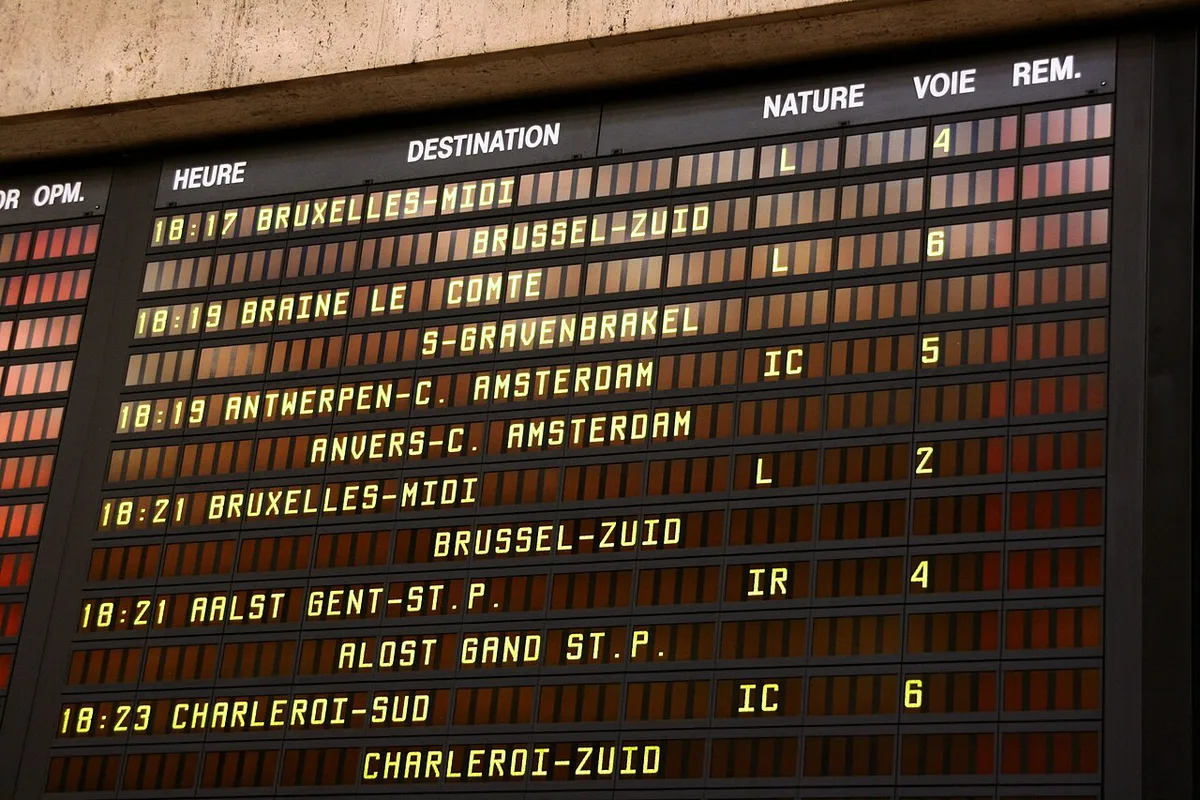
Wrong-train boardings are a common visitor problem. The app shows a platform and a time, but Belgian trains are labelled with their final destination. A Brussels to Bruges itinerary can show platform 6, while the train itself reads Ostend. The app's journey info screen gives the train number, then "to", then the destination, as in IC 1536 to Ostend. Intermediate stops sit behind the "journey info" label, so tap it. Run the checklist below at every station. Brussels-Midi is a large station where this habit pays off. Our Brussels to Bruges route shows the full pattern. The Brussels to Ghent route works the same way. For another example, read about the Brussels to Antwerp trip. A connecting leg is covered in our Bruges to Ghent guide.
- Read the final-destination name on the train's display.
- Match the platform number to the one in your itinerary.
- Open the stop list and find your station on it.
- Leave a buffer at every connection.
Dutch and French station names on tickets and boards
Belgian stations carry names in both languages, and the form on your ticket depends on the language of the region or the app setting. A ticket for Gent can send you to a platform board that shows Gand, which is the same city under its French name. Compare the name before you assume you have the wrong train.
| Common English name | Dutch | French |
|---|---|---|
| Brussels-Midi | Brussel-Zuid | Bruxelles-Midi |
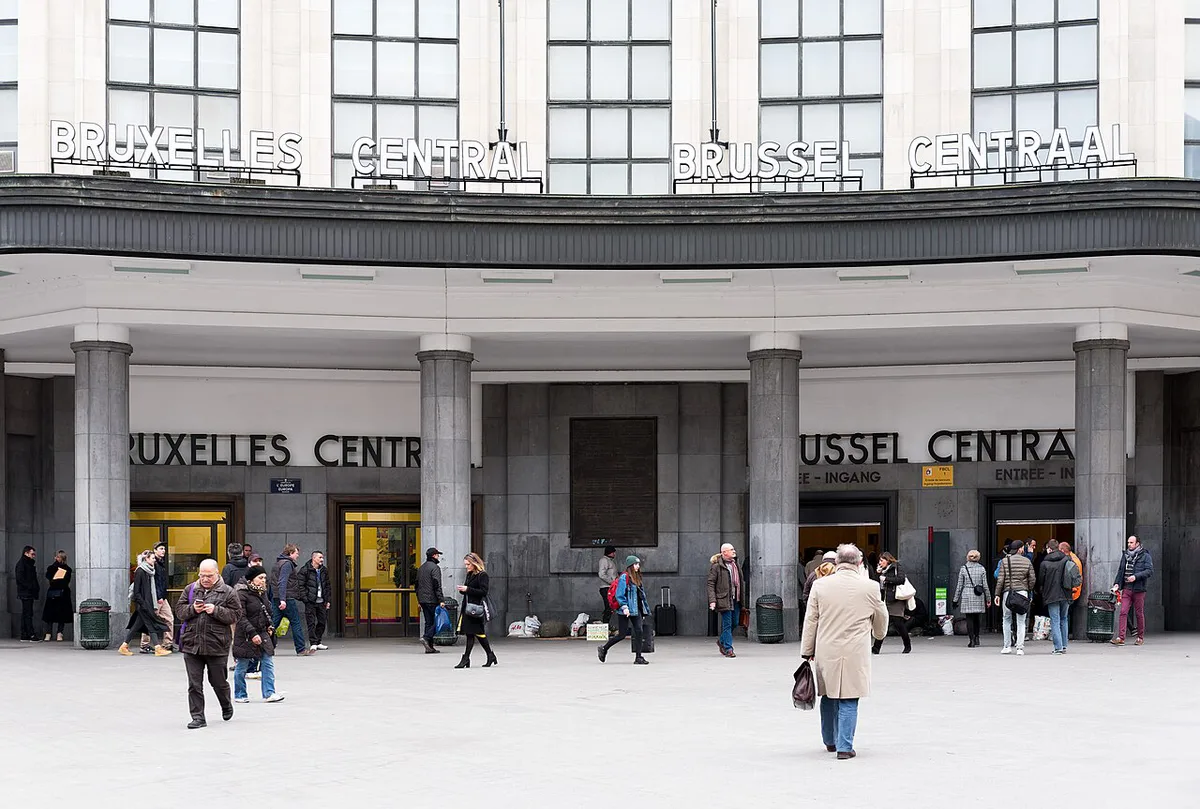
| Brussels-Central | Brussel-Centraal | Bruxelles-Central |
| Brussels-Nord | Brussel-Noord | Bruxelles-Nord |
| Bruges | Brugge | Bruges |
| Ghent | Gent | Gand |
| Antwerp | Antwerpen | Anvers |
| Leuven | Leuven | Louvain |
| Mechelen | Mechelen | Malines |
| Liège | Luik | Liège |
| Ostend | Oostende | Ostende |
How this affects your journey
- Final-destination labels: a train towards the coast may read Oostende in Flanders and Ostende in Wallonia. It is the same service.
- Brussels stations: the city has three main stations, and the names above are easy to confuse. Note whether your ticket says Midi/Zuid, Central/Centraal or Nord/Noord.
- Announcements: onboard announcements are normally made in the language of the region the train is crossing, so listen for the station name in either form.
- App language: set the SNCB/NMBS app to English so station names and journey details are easier to read, then compare them with the station board in the local language.
What commonly goes wrong with SNCB tickets
Some users report friction with the app, though behaviour changes between versions. Treat the list below as things to plan around.
- Login for ticket purchase can redirect to the SNCB website. Workaround: create and test your account on sncb.be before you travel.
- Saved card details may fail to persist. Workaround: keep your card within reach for each purchase.
- A failed payment authorisation can leave incomplete purchases in the app. Workaround: contact SNCB support, or buy at a station machine instead.
- Connection suggestions may skip a tight transfer. Workaround: take the next departure on the station board and keep a buffer.
- The app fails altogether. Workaround: buy at the station machine and arrive early.
Delays, disruption and where to check live information
The SNCB International app lists in-app notifications for disruption, delays and cancellations, subject to real-time data from the operating rail company. For domestic trains, the official SNCB site and the SNCB/NMBS app are your live sources. Station boards give the final word on platform changes. SNCB also publishes open datasets through the Belgian open-data portal, though that is not a traveller tool.
A platform 6 listing in your itinerary is a planning figure, not a guarantee, because station boards give the final word on platform changes.
International connections from Belgium
Brussels-Midi is the usual gateway for cross-border trains. Book these through the international flow, not the domestic ticket screen. Our Paris to Brussels guide covers the French link. For Germany, see the Brussels to Cologne route. Heading south, read the Brussels to Luxembourg guide. Travellers combining France and Flanders can use the Paris to Bruges guide. Eurostar publishes its own travel information for passengers for London journeys. Once your tickets are sorted, return to the Belgium trains overview for the wider network.
Rail notes for your next trip
Optional updates when our rail guides change.
Related guides
More guides
Picked from the same area